
Saas Integration Platform: How It Streamlines Workflows
Overview
In a world where teams juggle dozens of cloud apps, a saas integration platform becomes the quiet conductor keeping everything in rhythm. I’ll unpack what it is, why it matters, and how to evaluate and implement one without derailing your day-to-day. My goal is simple: give you a practical, human-first tour so you can decide if—and how—this fits into your stack.
What Is a SaaS Integration Platform?
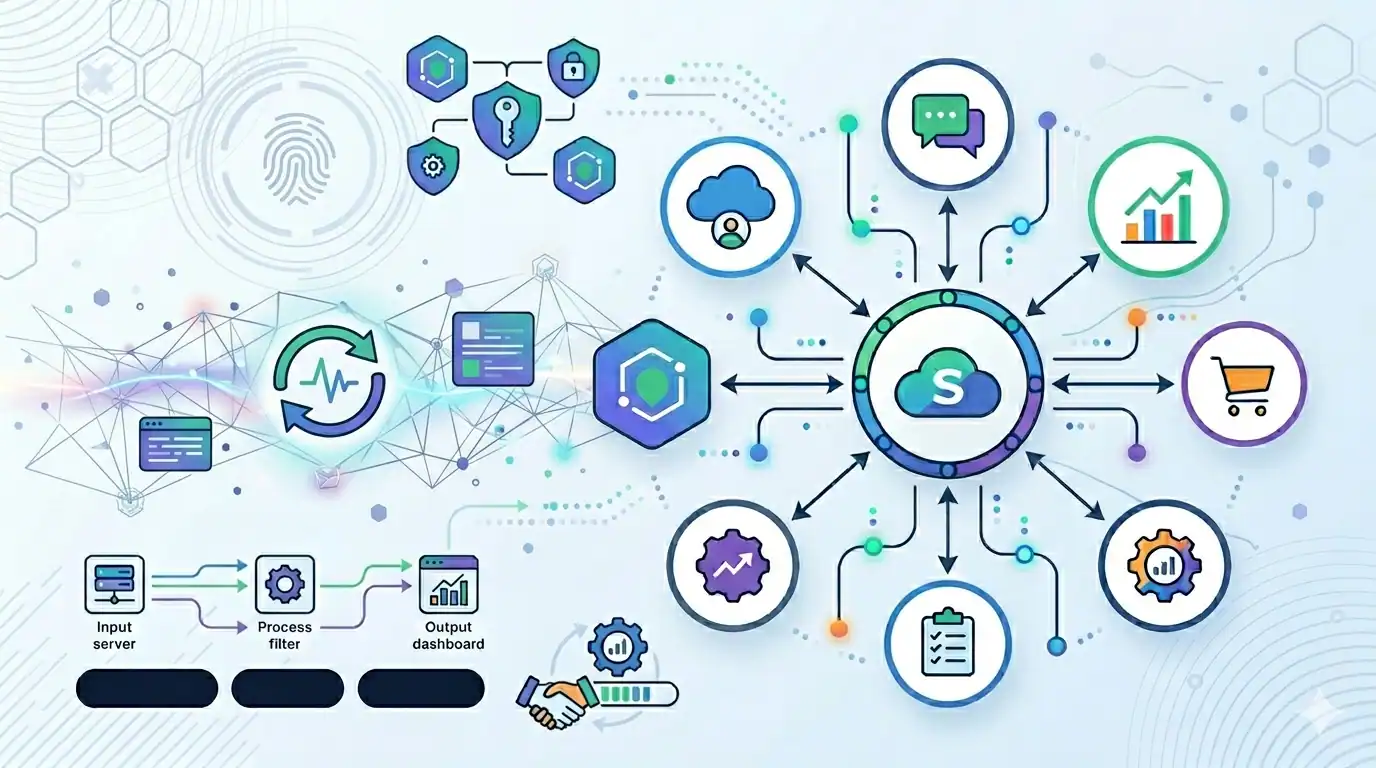
A saas integration platform is software that connects disparate cloud applications, synchronizes data, and automates processes end-to-end. Think Salesforce talking to HubSpot, Slack nudging Jira, or NetSuite reconciling with Stripe—without manual CSV calisthenics.
Core Capabilities
- Prebuilt connectors for major apps (CRM, ERP, HRIS, finance, support)
- Event-driven and scheduled workflows
- Data mapping and transformation (normalize formats, deduplicate)
- Error handling, retries, and alerting
- Governance: roles, audit logs, and compliance controls
- Scalability for high-volume integrations
Why It Streamlines Workflows
When every tool is an island, people become the bridges: copy-pasting, exporting, re-entering. A strong saas integration platform automates the handoffs.
Fewer Manual Touchpoints
- Auto-sync customer records across CRM, billing, and support
- Trigger onboarding tasks across HRIS, IT, and payroll from a single form
- Update inventory, orders, and fulfillment in real time
Faster Cycle Times
- Event-based triggers move work instantly instead of waiting for weekly imports
- Parallelized tasks reduce bottlenecks between teams
Better Data Quality
- Centralized mappings prevent field drift
- Validation rules catch errors at the source
- Deduplication keeps reports trustworthy
Common Use Cases
Revenue Operations
- Sync leads and opportunities across marketing and CRM
- Push closed-won data to billing for instant invoicing
- Reconcile payments and update revenue dashboards automatically
Customer Support
- Create or update tickets from product telemetry events
- Surface account context in the agent’s console
- Escalate critical issues to engineering with enriched payloads
People Operations
- New-hire workflow: create accounts, assign equipment, enroll benefits
- Changes propagate to payroll and access management
Finance and Compliance
- Automated expense categorization and ledger entries
- Audit-friendly trails for every integration action
Evaluating a SaaS Integration Platform
I like to score options on the following axes:
Connectivity and Extensibility
- Breadth and depth of connectors you actually need
- SDKs/webhooks to build custom integrations
Reliability and Performance
- Throughput limits, latency, and uptime SLA
- Circuit breakers, retries, and idempotency keys
Security and Compliance
- SOC 2, ISO 27001, GDPR features
- Fine-grained permissions and secrets management
Developer and Ops Experience
- Visual builder for non-devs; code or CLI for power users
- Version control, testing sandboxes, and observability
Total Cost of Ownership
- License tiers vs. expected volume
- Maintenance overhead and internal skill needs
Implementation Blueprint
Here’s the pragmatic way I roll one out without chaos.
1) Map Business Processes, Not Just Apps
- Start from outcomes: lead-to-cash, case-to-resolution, hire-to-retire
- Identify systems of record and golden fields
2) Design for Idempotency and Errors
- Ensure replays don’t create duplicates
- Define alerting and runbooks for common failures
3) Stage, Pilot, Scale
- Build in a sandbox with masked data
- Pilot with a friendly team; expand in waves
- Add SLIs/SLOs for integration health
4) Document and Govern
- Diagram flows, field mappings, and ownership
- Use change management and approvals for edits
Measuring ROI
I measure three buckets:
Time Saved
- Reduced manual steps per workflow
- Faster handoffs between tools
Data Confidence
- Fewer discrepancies in reports
- Higher match rate across systems
Business Outcomes
- Faster quote-to-cash
- Higher CSAT due to proactive support
Pitfalls to Avoid
Tool Sprawl
Don’t replace one tangle with another. Consolidate flows where possible.
Over-automation
If a human decision is critical, design checkpoints. Automate the boring, not the judgment.
Ignoring Change Management
Train teams, announce timelines, and create feedback loops. Silent rollouts breed shadow processes.
Future Trends
Composable Architectures
Microservices and event buses will make integrations more granular and resilient.
AI-Assisted Mapping and Monitoring
Expect smarter field matching, anomaly detection, and self-healing pipelines.
Real-Time Everywhere
Streaming and webhook-first designs will replace batch jobs for many use cases.
Quick Checklist
- Does the saas integration platform cover your critical connectors?
- Are security and compliance needs first-class?
- Can both ops and developers work efficiently?
- Do you have clear owners, runbooks, and SLIs?
- Have you defined success metrics and a rollout plan?
Final Thoughts
The right saas integration platform doesn’t just move data—it aligns teams, reduces toil, and frees people to do higher-value work. Start with business outcomes, design with resilience, and iterate with tight feedback. Integration should feel boringly reliable—and that’s a compliment.